









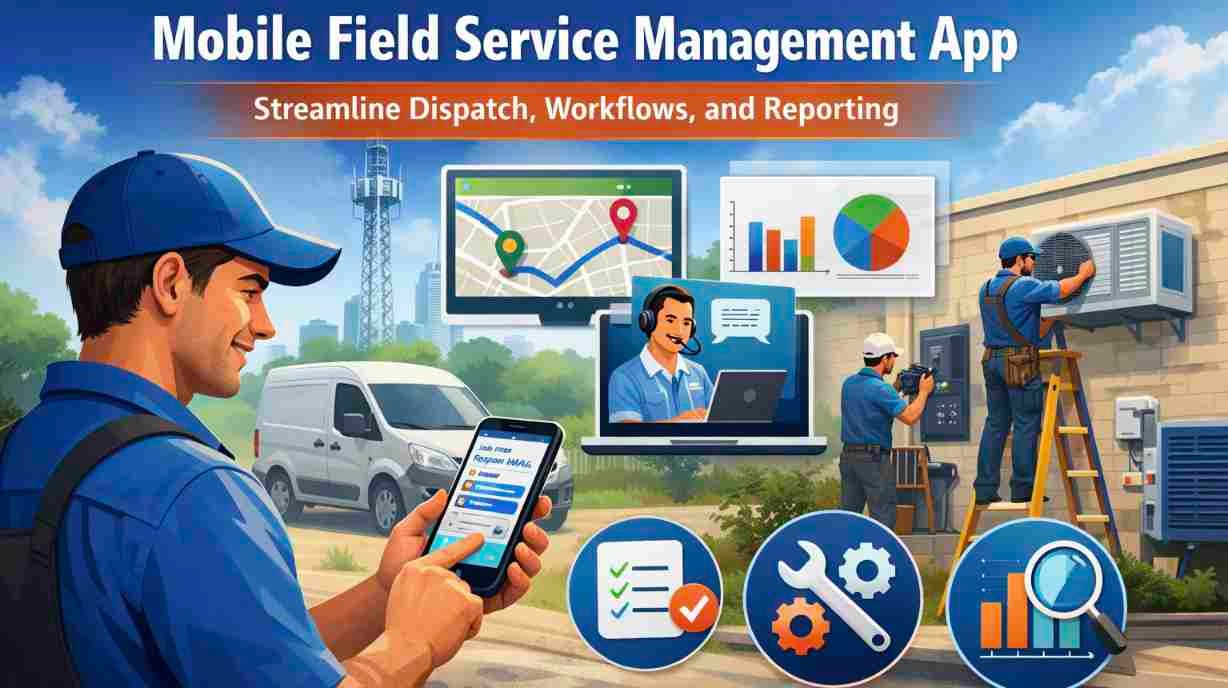
You need a mobile field service management app that keeps technicians on schedule, captures work-order details in the field, and links those updates to billing and inventory in real time. A good app lets you dispatch faster, reduce paperwork, and close more jobs the same day by putting scheduling, dispatch, asset history, and invoicing in one mobile interface.
This article walks through the core features to look for and the practical benefits you’ll gain from implementing a mobile field service solution. Expect clear guidance on what matters for your team’s efficiency, customer communication, and bottom line so you can choose the right tool and get it working for your operation quickly.
Core Features of a Mobile Field Service Management App
These features streamline job flow, keep technicians informed, and speed up billing so you deliver faster, more reliable service. Expect tools for job lifecycle control, intelligent scheduling, instant team communication, and on-site payment processing.
Work Order Management
You create, assign, and update work orders from a centralized interface that tracks status and history. Each work order should include customer details, service location, asset records, required parts, estimated labor hours, and safety instructions.
Technicians access assigned work orders on a mobile device with step-by-step tasks, photo capture, and signature capture. Offline access matters: your techs must be able to view and complete work orders without connectivity, then sync automatically when back online.
Look for automated triggers that change status, add follow-ups, or reorder parts based on job progress. Reporting fields and timestamps let you audit response times, first-time fix rates, and parts usage for continuous improvement.
Scheduling and Dispatching
You match jobs to technicians using skills, certifications, certifications expiration dates, vehicle inventory, and proximity. Real-time calendar views, drag-and-drop rescheduling, and shift constraints prevent double-booking and reduce travel time.
Advanced systems use rules or AI to prioritize emergency calls, balance workload, and minimize travel. Route optimization integrates GPS to calculate ETA, suggest the best sequence of stops, and update travel windows when traffic changes.
Dispatchers and supervisors get visibility through live maps and workload dashboards. Push notifications alert technicians to new assignments or changes, and two-way confirmation ensures you know whether a tech accepts, rejects, or needs assistance.
Real-Time Communication
You maintain continuous contact between office, technician, and customer to avoid delays and miscommunication. Built-in messaging, voice calling, and photo/video sharing let techs consult specialists, capture evidence, and confirm completed tasks.
Status updates and ETA notifications keep customers informed with precise arrival times and progress messages. Location sharing enables live tracking of technician positions for safety and accurate scheduling adjustments.
Integration with knowledge bases and remote support tools lets techs pull repair guides or start a video session without leaving the app. Audit trails of messages and file attachments provide a clear record for quality control and dispute resolution.
Mobile Invoicing and Payments
You finalize jobs on-site with digital invoices, parts lists, and labor summaries that customers can review and sign on the technician’s device. The app should generate itemized bills automatically from the completed work order and applied pricing rules.
Support for card readers, contactless payments, and mobile wallets speeds collection and reduces accounts receivable days. Receipts, tax calculations, discounts, and payment confirmations get recorded in the customer account immediately.
Integration with your accounting or ERP system automates posting, reduces duplicate entry, and maintains consistent ledgers. You should also have configurable payment terms, partial payments, and offline transaction capture that syncs securely when connectivity returns.
Benefits of Implementing Mobile Field Service Management Solutions
Mobile field service apps reduce manual work, speed response times, and give you actionable data that improves scheduling, first-time fixes, and customer communications.
Increased Field Productivity
You get faster dispatch and clearer priorities through real-time scheduling and push notifications. Technicians receive job details, parts lists, and safety procedures on their device the moment a job is assigned, which cuts travel time and idle periods.
Digital work orders let you capture signatures, photos, and time stamps on site. That removes double entry, accelerates invoicing, and increases billable hours without hiring more staff. Integrated parts inventory and barcode scanning prevent repeat trips for missing components.
Route optimization and live traffic updates reduce drive time between jobs. When you combine optimized routing with skills-based assignment, you increase the number of completed jobs per shift and raise first-time-fix rates.
Improved Customer Experience
You can provide precise arrival windows and real-time ETAs so customers know when to expect service. Automated SMS/email updates and technician tracking build trust and reduce inbound status calls.
Mobile apps let technicians record job progress and capture proof of work immediately. That produces accurate service reports and faster, error-free billing that customers appreciate.
You also gain consistent customer records in the field. Access to past work history, warranties, and preferences enables personalized service and fewer repeat visits for the same issue.
Data-Driven Decision Making
Mobile apps collect timestamps, parts usage, travel distances, and first-time-fix outcomes automatically. These discrete data points let you calculate KPIs like average handle time, mean time to repair, and cost per job with precision.
Dashboards and exportable reports let managers identify bottlenecks and adjust schedules, inventory levels, or training plans. Use trend data to predict peak demand and allocate resources proactively rather than reactively.
You can implement condition-based maintenance by combining field data with equipment alerts. That reduces emergency repairs and shifts spend from reactive fixes to planned maintenance that lowers total cost of ownership.
Disclaimer
This disclaimer applies to the discussion of mobile field service management software. This article is for general information only. Software features, pricing, availability, and compatibility may change with product updates. Results depend on the device, configuration, data, and implementation. Verify current documentation, review privacy and licence terms, and back up important data before making changes. No specific performance improvement is guaranteed.